Best FPV drone simulators for beginners in 2026
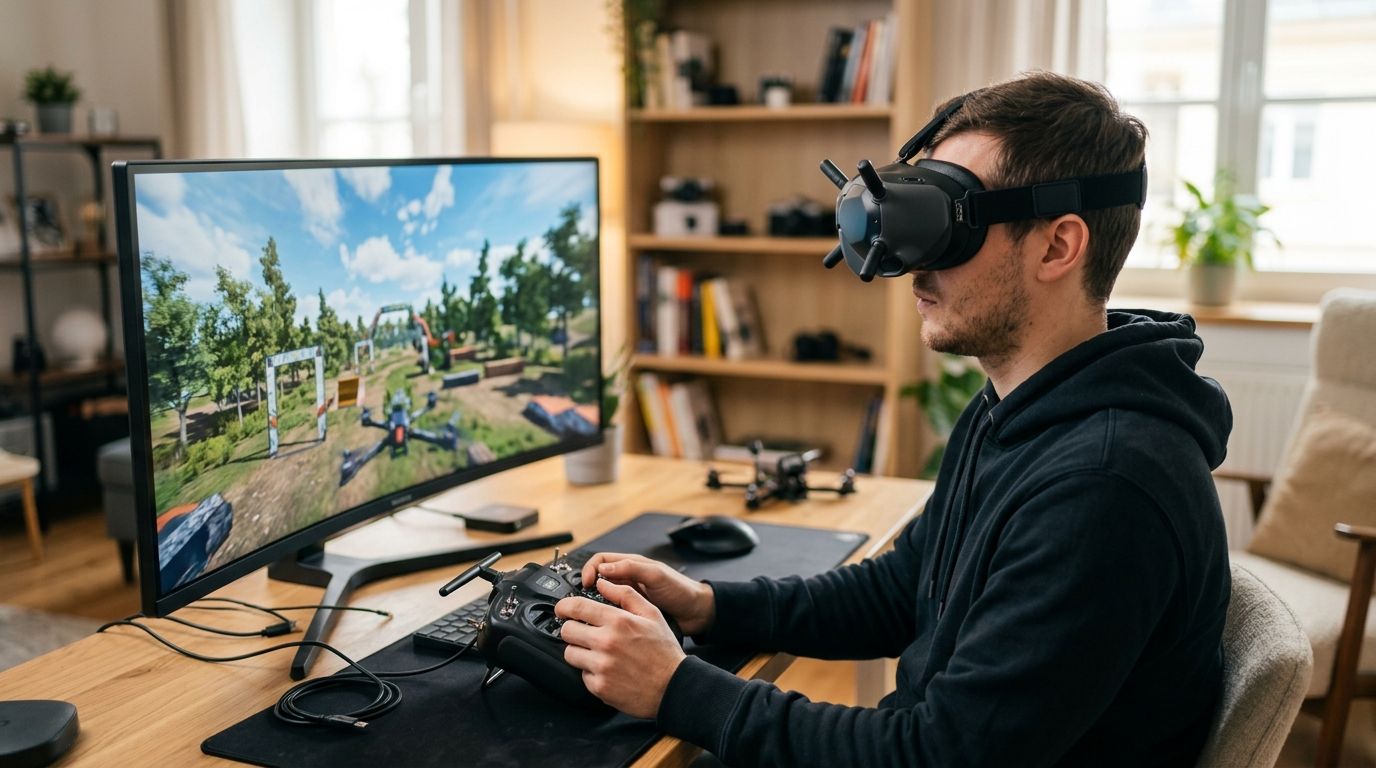
Best overall: Liftoff. A 2021 ACM study of 515 FPV pilots found that 52% first learned with a simulator and about 90% recommend simulator practice before flying a real drone. That makes simulator time the normal on-ramp, not just a cheap way to avoid broken props.
TL;DR
- An ACM survey of 515 FPV pilots found 52% first learned in a simulator and about 90% recommend one.
- Liftoff led beginner recommendations at 35%, followed by Velocidrone at 29%.
- FPVFreeRider drew 16% of recommendations, while DRL Simulator drew 11% and other simulators shared 9%.
- Liftoff remains SquadFlight's best overall pick for beginners heading toward real micro-FPV quads in 2026.
What 515 FPV pilots said
52%
First learned in a sim
About 90%
Recommend sim training
35%
Recommended Liftoff
29%
Recommended Velocidrone
Why this matters
FPV (first-person view) flying puts a camera feed on goggles instead of letting you watch the drone from the ground, and that disconnect from normal depth perception is what wrecks beginners fastest. A simulator lets you crash a hundred times in one evening with zero cost and zero drywall damage.
SquadFlight is building an indoor, climate-controlled micro-FPV racing gym in Las Vegas with LED glow-gate tracks (light-up hoops you fly through), but that permanent venue isn't open yet. Right now, SquadFlight runs local meetups, beginner training sessions, and garage-lab flight nights around Las Vegas, and simulator hours are exactly what pilots use to show up ready instead of showing up dangerous. Picking the right simulator now saves you real money on broken frames and motors later in 2026.
The verdict
Best overall: Liftoff. Best for free official-track practice: DRL Simulator. Best for advanced tuning: Velocidrone. Best budget option: FPV Freerider Recursion. Best for VR immersion: Uncrashed.
What makes the best FPV drone simulators for beginners
-
Physics accuracy — how closely stick input maps to real quad behavior, especially in Acro mode
-
Controller compatibility — plug-and-play support for standard transmitters over USB
-
Track and gate variety — enough content that practice doesn't get stale in month one
-
Learning curve support — Angle mode (self-leveling, training-wheels flight) before Acro
-
System requirements — whether it runs on the laptop you already own
-
Community and updates — active development so physics keep improving through 2026
At a glance
Simulator Best for Standout feature Key limitation
Liftoff Beginners transitioning to real quads Realistic drone and prop physics library Steeper learning curve than arcade-style sims
DRL Simulator Free official-track racing practice Built by the Drone Racing League itself Fewer casual freestyle maps
Velocidrone Advanced rate and tuning practice Huge player-built track and league scene Interface feels dated next to newer sims
FPV Freerider Recursion Absolute beginners on a budget Runs in-browser, no install needed Physics feel looser than dedicated sims
Uncrashed VR-based depth training Native VR headset support Requires owning a VR headset already
1. Liftoff: best FPV drone simulators for beginners overall
Liftoff led beginner recommendations in the 2021 ACM survey: 35% of pilots named it, the highest share of any simulator. It also supports actual FPV transmitters over USB, so the stick setup can carry into real flight practice.
Liftoff pros:
-
Physics modeling that closely matches real micro-FPV and freestyle quads
-
Custom map editor if you want to build your own gate courses
-
Angle mode built in for the first week before you touch Acro
Liftoff pricing: check current pricing on Steam before buying.
Liftoff cons:
-
Menu and UI feel clunky compared to newer arcade-style competitors
-
Requires a beefier PC than the browser-based options on this list
Best for: beginners who plan to buy a real micro-FPV quad within a few months. Verdict: Buy.
2. DRL Simulator: best for free official-track racing practice
DRL Simulator received 11% of beginner recommendations in the 2021 ACM survey. It remains the racing-focused pick in this guide because its courses emphasize gates and competitive track layouts rather than freestyle tricks.
DRL Simulator pros:
-
Zero cost to download and fly
-
Track design modeled after actual drone racing courses
-
Regular updates tied to the league's competitive season
DRL Simulator cons:
-
Freestyle and trick-focused pilots will find fewer open maps
-
Physics feel slightly more forgiving than Liftoff or Velocidrone
Best for: anyone who wants racing-specific gate practice for free. Verdict: Buy.
3. Velocidrone: best for advanced physics tuning
Velocidrone placed second in the 2021 ACM survey, with 29% of pilots recommending it for beginners. Its detailed rates and expo settings make it especially useful once you want to tune how aggressively a quad responds to stick movement.
Velocidrone pros:
-
Deep customization of rates and expo settings that mirror real flight controller software
-
Huge community track catalog built over 10+ years
-
Active league and event scene for pilots who want structured competition
Velocidrone cons:
-
Interface and visuals look older than Liftoff or Uncrashed
-
Overkill for someone who hasn't flown Angle mode yet
Best for: intermediate pilots tuning stick feel before a real build. Verdict: Hold until you've logged real Angle-mode hours elsewhere first.
4. FPV Freerider Recursion: best budget FPV drone simulator for beginners
The 2021 ACM survey reported 16% of beginner recommendations for FPVFreeRider, placing it third behind Liftoff and Velocidrone. This guide uses Freerider Recursion for the budget slot because it keeps the barrier to practice low with a browser-based experience and USB transmitter support.
FPV Freerider Recursion pros:
-
Runs entirely in-browser on nearly any laptop from the last decade
-
Zero cost, zero download friction for a first test flight
-
Simple enough that total beginners aren't overwhelmed on day one
FPV Freerider Recursion cons:
-
Physics feel noticeably looser than Liftoff or Velocidrone
-
Track variety is thinner than the paid options
Best for: someone who wants to try FPV controls tonight with zero commitment. Verdict: Buy as a first taste, then graduate to Liftoff.
5. Uncrashed: best for VR immersion training
Uncrashed is the newest name on this list and the only one built with native VR headset support from the ground up, which changes how depth and gate spacing read compared to a flat monitor.
Uncrashed pros:
-
Native VR support gives real depth perception practice
-
Modern engine with active development through 2026
Uncrashed cons:
-
Pointless without a VR headset you already own
-
Smaller community and track library than Velocidrone
Best for: pilots who already own VR gear and want gate-spacing practice that feels closer to goggles. Verdict: Wait unless you already have the headset.
How this list was ranked
Each simulator was measured against the six criteria above: physics accuracy, controller support, content depth, beginner-friendliness, system requirements, and active development heading into 2026. The ranking also uses beginner recommendations from The Learning Experience of Becoming a FPV Drone Pilot, a 2021 ACM survey of 515 FPV pilots.
In that study, Liftoff led at 35%, followed by Velocidrone at 29%, FPVFreeRider at 16%, DRL Simulator at 11%, and other simulators at 9%. Those figures show what surveyed pilots recommend; this guide still separates distinct use cases instead of treating popularity as the only measure.
Squad up for a Las Vegas FPV meetup
Bring your simulator hours to a current SquadFlight training session or fly night.
Which simulator should you choose?
If you're planning to fly a real micro-FPV quad in Las Vegas at a SquadFlight meetup or training session within the next few months, start with Liftoff — the physics transfer directly to real Acro flight. If you want to test the waters tonight for free, open FPV Freerider Recursion in a browser first, then move to Liftoff or DRL Simulator once Angle mode feels boring. Don't overthink it past that; every hour on sticks beats another hour reading comparison charts.
FAQ
What are the best FPV drone simulators for beginners in 2026?
Liftoff is the best overall pick for beginners in 2026 because its flight physics closely match real micro-FPV quads. FPV Freerider Recursion is the best free, no-install option for a first test flight.
Do I need a real FPV controller to use a simulator?
Most simulators, including Liftoff, Velocidrone, and DRL Simulator, connect to a real FPV transmitter over USB so your stick inputs transfer directly to real flight later. Some sims support standard game controllers as a fallback, but the feel won't match your actual radio.
Is DRL Simulator better than Liftoff for beginners?
DRL Simulator is free and race-track focused, while Liftoff costs money but has broader freestyle and gate-course variety. Beginners aiming at general FPV skill should start with Liftoff; racers on a budget should start with DRL Simulator.
How much does a good FPV simulator cost?
Pricing varies and changes over time, so check current storefront pricing before buying. Free options like DRL Simulator and FPV Freerider Recursion exist for anyone who wants to start without spending anything.
How long should I practice in a simulator before flying a real drone?
There's no fixed number that works for everyone, but most beginners stay in Angle mode (self-leveling flight) until turns and hovering feel automatic before switching to full manual Acro mode. Comfort in the simulator is a better signal than a set hour count.
Can I use a simulator without owning FPV goggles?
Yes, every simulator on this list runs on a regular monitor with a controller or transmitter plugged in. VR-native options like Uncrashed add a headset option, but it isn't required.
What's the difference between Angle mode and Acro mode?
Angle mode self-levels the quad when you let go of the sticks, similar to training wheels, while Acro mode gives full manual control with no self-leveling. Simulators let you practice the jump from Angle to Acro without risking a real quad.
Are simulators enough to learn FPV, or do I need real flight time?
Simulators build stick memory and reaction timing, but real quads add wind, battery weight shifts, and video latency that no simulator fully replicates. Pilots training in Las Vegas typically pair simulator hours with in-person flight time at meetups and training sessions.
One last thing
The biggest mistake beginners make isn't picking the wrong simulator — it's skipping Angle mode entirely because Acro looks cooler in videos. Every pilot who tries to shortcut straight to Acro in 2026 crashes more in the simulator and more in real life; the training-wheels mode exists because it works.